
01
Tutorials do not give notes
You can watch mark in/out, ripple delete, and undo history a hundred times. Without someone watching your cut, the same mistakes stay in the sequence.
Basic Video Production Workshop
LION MEDIA LAB is premium 1-on-1 coaching, anchored by a quality e-book. You learn Adobe Premiere Pro, shot language, filming craft, and a complete edit — with a coach giving real-time notes, not another playlist of tutorials.
The gap
Most people can open Premiere. Few can cut with intention, mix clean audio, and ship a film that feels finished. That is the gap this studio exists to close.
01
You can watch mark in/out, ripple delete, and undo history a hundred times. Without someone watching your cut, the same mistakes stay in the sequence.
02
A tripod or gimbal does not create a shot. Medium close-up and medium shot are decisions. We teach the language first, then the Acuvar, LOHA, and gimbal technique that serves it.
03
Levels, transitions, titles, and export settings are where amateur work shows. You leave with a repeatable path from import to delivery.
The program
The workshop is personalized. You get tailored mentorship, practical application, and industry best practices — so the skills transfer into work that can support a career or a brand.
Live
A coach in the suite with you. Real-time feedback on your footage, your timeline, and your decisions — not a recorded module you rewind alone.
Keep
A written backbone covering Premiere Pro, shot types, filming tips, tripods, royalty-free media, and the full editing workflow you can return to after the session ends.
Support
Workshops, eLearning resources, and technical support so the software, the gear, and the process stay usable when you are cutting on your own.
Curriculum
This is a working editor’s stack: how you shoot, how you organize, how you cut, and how you ship. See the full breakdown on the workshop page.
Medium close-up, medium shot, and the choices that make a scene readable.
Tripods and motion — Acuvar, LOHA, gimbal — plus field habits that save the edit.
Importing, timeline layering, mark in/out, ripple delete, and undo history used with intent.
Audio levels, effects, transitions, titles, royalty-free media, and export settings that hold up.
How it works
01
Join the Basic Video Production Workshop through Whop and lock your 1-on-1 seat.
02
Use the e-book as the map: tools, shots, gear, and the order of operations in Premiere.
03
Apply it on real footage. Get notes on pacing, audio, and picture while you still have time to fix them.
04
Walk out with a workflow you can repeat for clients, a brand, or the next job.
Instructor
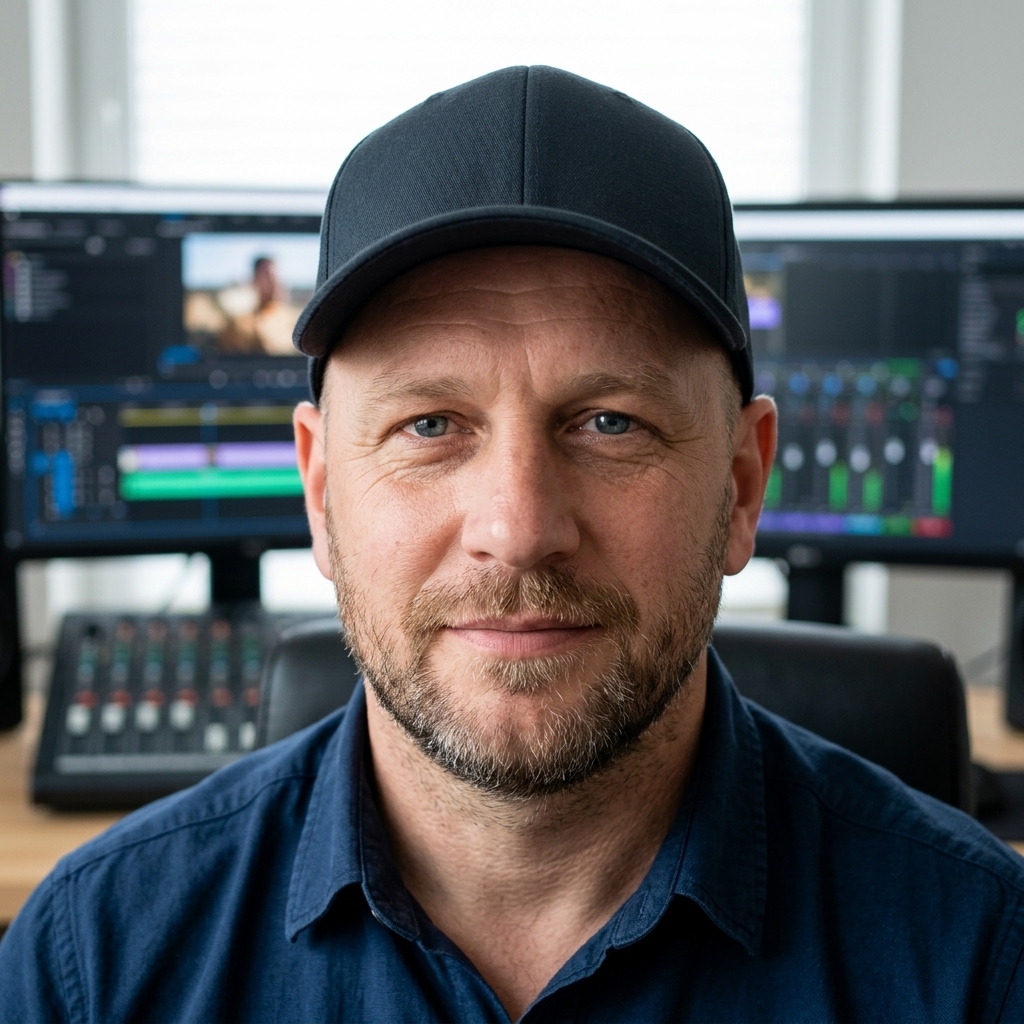
LION MEDIA LAB is built around live mentorship. The person across from you is in the same kind of room you are training for: dual monitors, a timeline, an audio desk, and the pressure to make the cut feel finished.
That is the point. Technical mastery is easier to keep when you have seen it practiced, then practiced it with notes in the moment.
“Not just skills — the competitive edge to produce cinematic content that captivates, drives engagement, and accelerates a career or a brand.”
Questions
Enroll
Join LION MEDIA LAB for the Basic Video Production Workshop — 1-on-1 coaching, a quality e-book, and a workflow you can take into paid work.